
Fact-check any post in one click
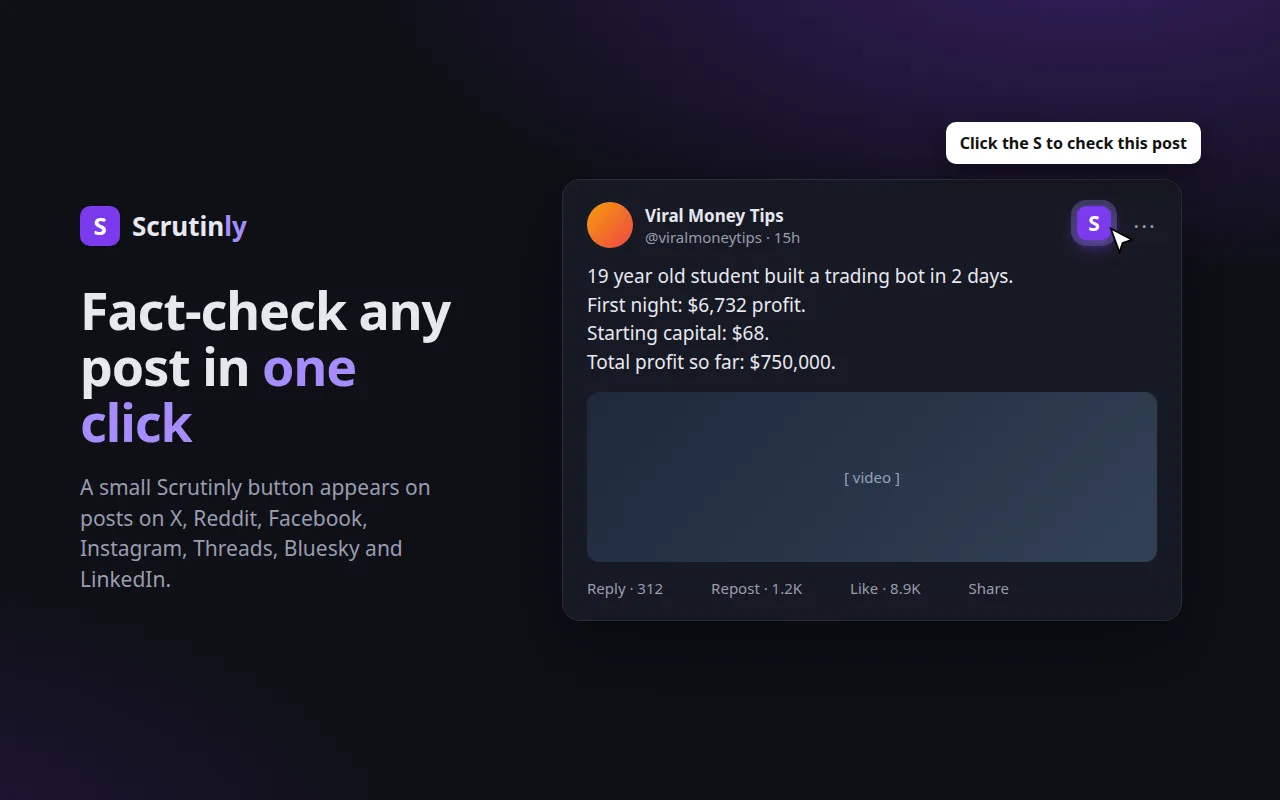
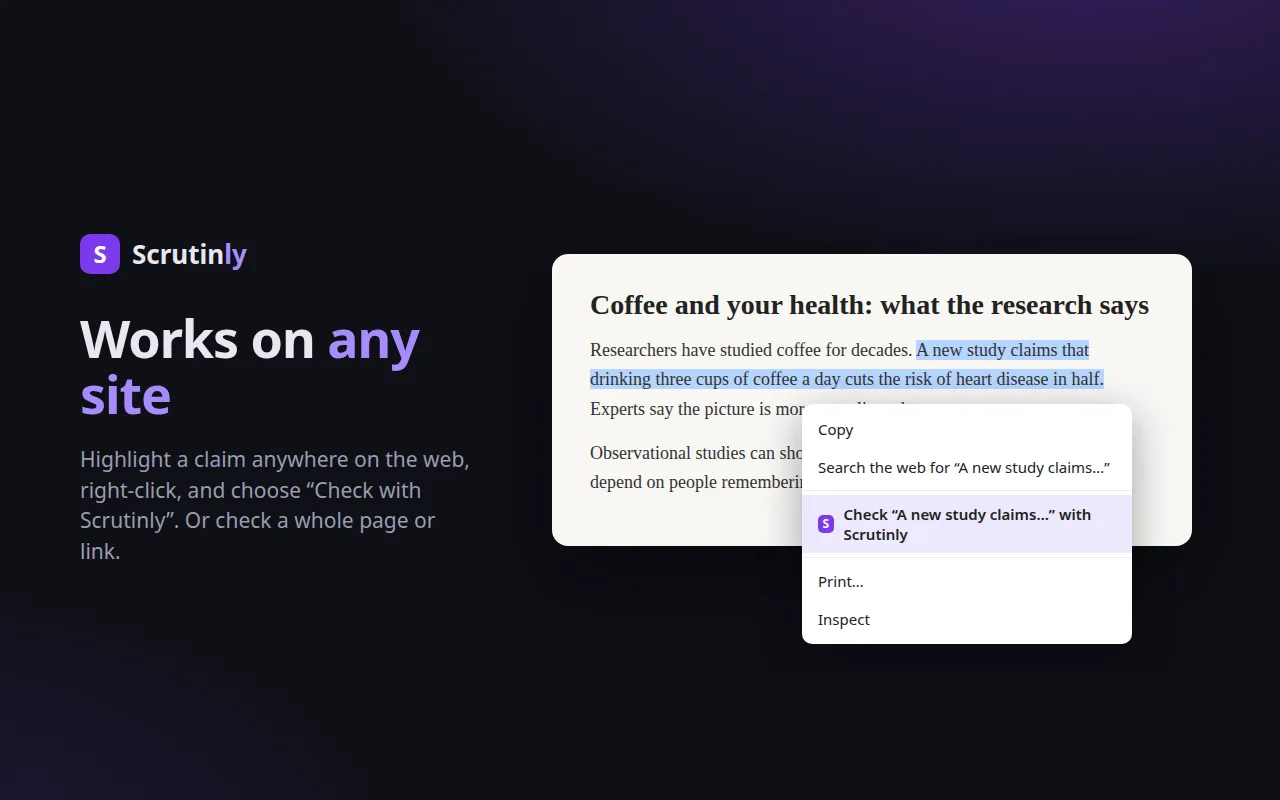
The Scrutinly browser extension puts a small button on posts on X, Reddit, Facebook, Instagram, Threads, Bluesky and LinkedIn. Anywhere else on the web, highlight a claim, right-click, and choose “Check with Scrutinly”.
Chrome and Edge are in store review. Free to install; uses your Scrutinly account (the free plan includes 5 checks a month).
How it works
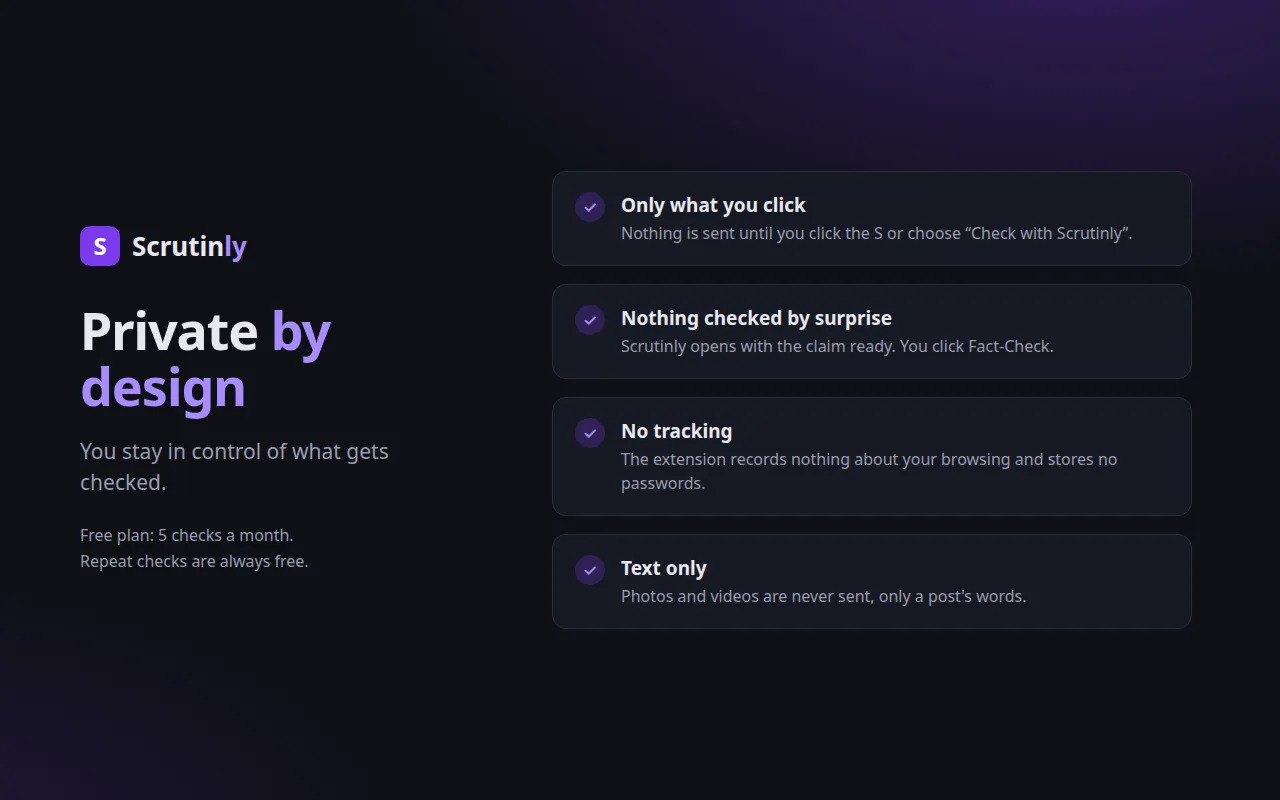
Nothing is checked until you say so, so you never use a check by accident.
- Spot a claim. Click the purple S on a social post, or highlight text, right-click a link, or click the toolbar button to check the whole page.
- Scrutinly opens with it filled in. Review or trim the text if you like.
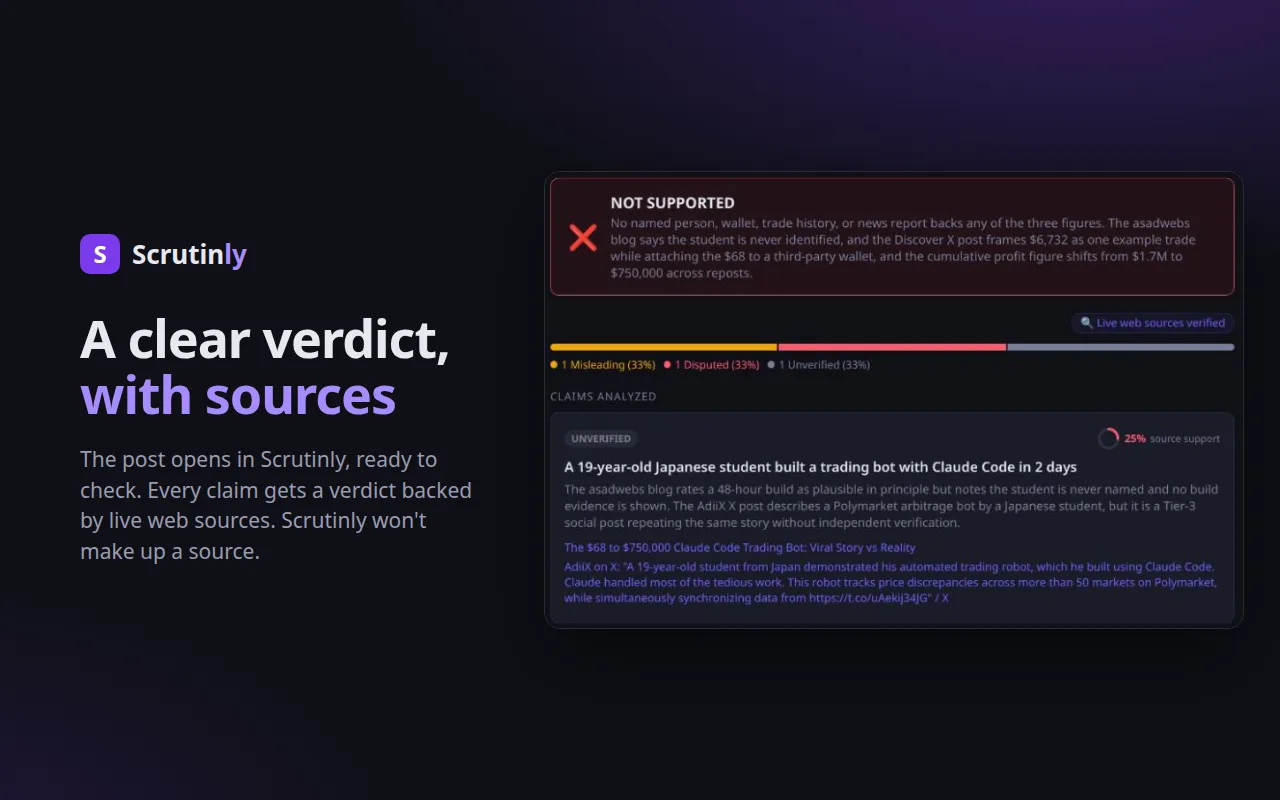
- Click Fact-Check. Get a verdict (Supported, Mixed, Unsupported or Satirical) with the live web sources behind each claim.
Built to stay out of your way
A small tool that does one job well.
Works where claims spread
One-click buttons on X, Reddit, Facebook, Instagram, Threads, Bluesky and LinkedIn, plus right-click checks on any other site. You can turn the buttons off by right-clicking the toolbar icon.
Private by design
The extension sends only what you pick, and only to Scrutinly. It records nothing about your browsing and stores no passwords. Details in our privacy policy.
Text only
Only a post’s words are sent, never its photos or videos. Posts with no readable text don’t get a button. Repeat checks of the same text are always free.
Need an account first?
Sign up free, then install the extension and check your first post.
Create a free account →